Note: This only works for Apple MAC users who have the system called 'Pages' on their computer.
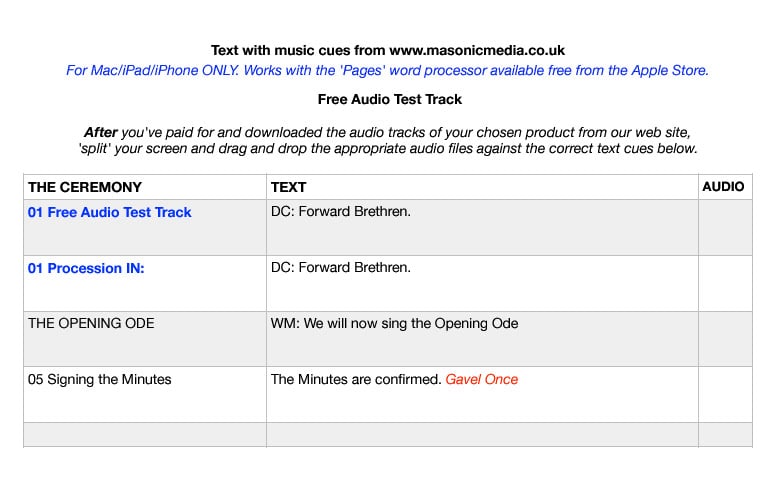
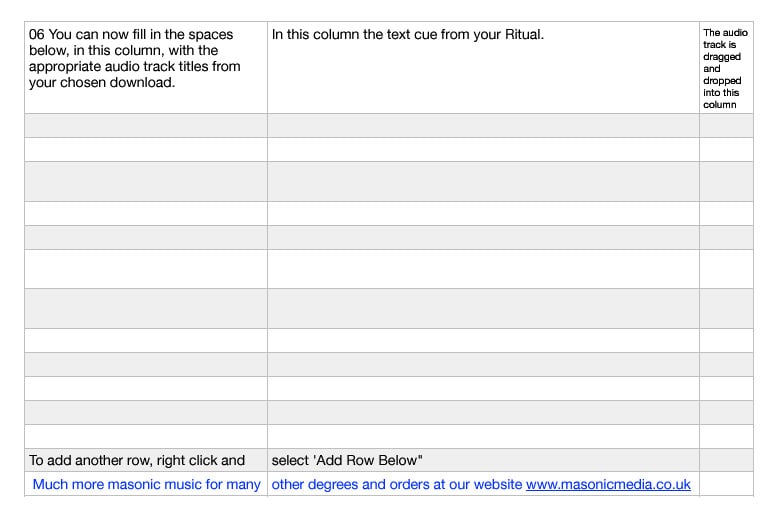
This method enables you to show a page designed in MAC PAGES listing each part of a ritual, in the correct order, with a 'button' next to each part, which replays the correct piece of music at the correct time.
How does this work?
You show the complete page on your screen, and then you gradually scroll down as the ritual progresses, clicking on the 'play' button alongside each part of the ritual as you go.
This is easier to use, instead of having the ritual listed on a sheet of paper, and the music on a separate folder in your computer, and then selecting the correct pieces of music as the ritual progresses.
This system is provided along with your music tracks, and running order, when you purchase and download it.
See more information below or also see the video below which explains in more detail how to set this up, or:
Download a demo version to try out first>>